1
Run the Mac wizard
CARAPACE installs and configures OpenClaw plus Tailscale-secured phone pairing.
mac install
Open Carapace-2.0.13.dmg
Drag CARAPACE to Applications
Launch CARAPACE and follow the setup wizard
The Mac app is the guided path for OpenClaw. The setup flow layers CARAPACE on top, keeps old workspace memory intact, and pairs your phone privately over Tailscale.
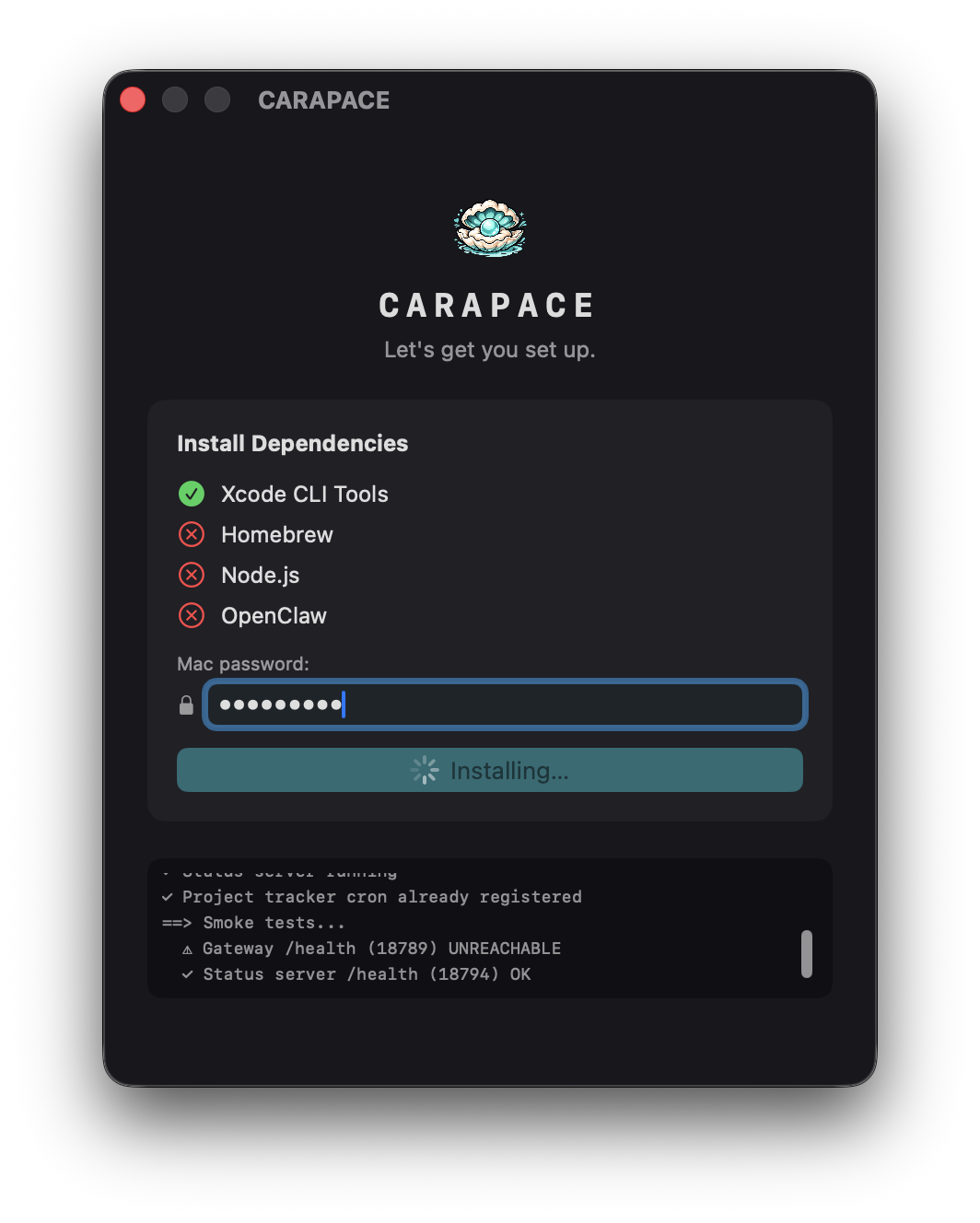
CARAPACE installs and configures OpenClaw plus Tailscale-secured phone pairing.
Open Carapace-2.0.13.dmg Drag CARAPACE to Applications Launch CARAPACE and follow the setup wizard
The wizard creates a QR for your private OpenClaw gateway. Scan it in CARAPACE while both devices are on your Tailscale network.
OpenClaw can use ChatGPT OAuth, Gemini keys, or advanced custom provider configuration.
The installer is designed to be non-destructive. Existing OpenClaw state, workspace memory, Tailscale setup, provider auth, and Projects are not wiped by normal reruns.
Open CARAPACE from the menu bar, show the QR again, or rerun setup. The path refreshes CARAPACE support files, quiets legacy heartbeat noise, and keeps Projects from doing an automatic memory import unless you explicitly ask.